
S7000
S7000 Series PIN, Eyelet and Terminal Insertion Machine
S7000 series inserter for PIN, eyelet, terminal, fuse holder and tact switch: 12,000 CPH spec (S-7000E), 1–4 heads, vision correction. Free review.
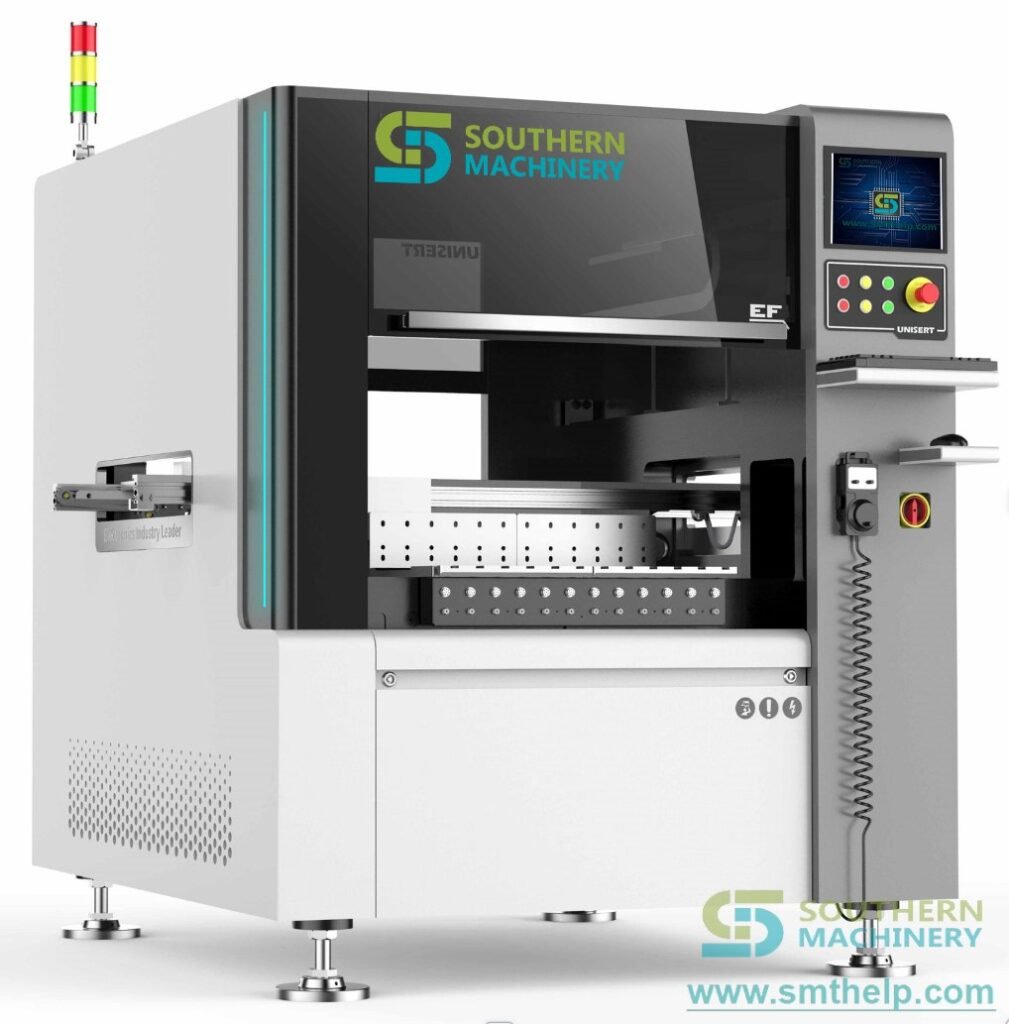
The last manual bench on your THT line — automated.
The S7000 series inserts the parts a radial or axial inserter cannot handle: PIN, eyelet, terminal, fuse holder, tact switch, connector and other odd-form through-hole components. One frame and one software platform; the feeder and gripper decide which component it runs.
Vision correction, servo X-Y motion and optional insertion-force detection keep every insertion repeatable on automotive, appliance, power supply and industrial control boards.
12,000 CPH spec speed (S-7000E, www.smthelp.com). Realised output depends on component class, head count and feeding, and is confirmed on a sample run.
At a glance
- 12,000 CPH — spec speed (S-7000E)
- 480 × 390 mm — maximum PCB size
- 1–4 heads — single to four insertion heads, optional
- 1.3–4.0 mm — pin diameter range (S-7000E)
- 0.015 mm — automatic vision correction accuracy (platform manual)
- USB / Excel — program data input
Odd-form parts are where THT automation usually stops
After radial and axial insertion, terminals, pins, eyelets, tact switches and connectors are still pressed in by hand. Those parts are too tall, too irregular or need too much force for a standard inserter.
- Low efficiency: Hand insertion of odd-form parts paces the whole THT line.
- Poor quality: Floating, missing, wrong and reversed parts depend on operator skill.
- Force nobody measures: A hand press gives no insertion-force figure for the part or the board.
- High defect and scrap rates: Bent feet and damaged parts are found after soldering.
- Rising labour cost: Skilled operators are hard to keep and expensive to train.
- Imported machines cost too much: High input cost, long payback and expensive spare parts.
One platform for odd-form insertion — Feature, Advantage, Benefit
Five functions that move odd-form insertion onto a machine.
Flexibility: One frame, many components
Switch the feeder and gripper.
- Feature: The series runs PIN, eyelet, terminal, fuse holder, tact switch and connector applications on a unified structure and software platform, with single to four insertion heads (optional).
- Advantage: An operator who runs one variant can run another; only the feeder and gripper change.
- Benefit: One investment covers a family of odd-form parts instead of one machine per part.
Key points: PIN / eyelet / terminal · Fuse holder / tact switch · 1–4 heads (optional)
Vision: Vision correction on every board
0.015 mm correction accuracy.
- Feature: A camera reads the actual hole positions against the NC data; automatic correction accuracy 0.015 mm, point-to-point positioning 0.025 mm and repeat positioning 0.05 mm, on an X-Y worktable with 0.001 mm/pulse resolution.
- Advantage: Board-to-board tolerance is corrected before each insertion.
- Benefit: Fewer bent feet and mis-inserted parts.
Key points: 0.015 mm correction · 0.05 mm repeatability · 0.001 mm/pulse
Protection: Insertion detection and force check
The machine stops on a bad joint.
- Feature: Each insertion is detected; if it did not complete, the machine stops and raises an error. Insertion-force detection is available as an option and stops the machine before over-force damages the part or the PCB.
- Advantage: Bad insertions are not passed downstream.
- Benefit: Field failures from over-force or missing parts are caught at the machine.
Key points: Insertion detection · Force detection (optional) · Corner clinching
Handling: In-line PCB transfer
Automatic PCB transfer optional.
- Feature: Automatic PCB transfer is optional, with automatic worktable width adjustment and PCB QR code scanning listed as special functions; RS-232C communication.
- Advantage: The machine runs between a loader and an unloader instead of as a manual cell.
- Benefit: One operator supervises the machine instead of feeding it.
Key points: Auto PCB transfer (optional) · Auto width adjustment · QR code scanning
Software: Windows control, USB / Excel data
English interface.
- Feature: English-version Windows control platform with LCD monitor; programs come in over USB in Excel format, with online visual programming and visual correction.
- Advantage: A new board is programmed visually on the machine.
- Benefit: Short training: Southern Machinery states one day of training is enough to operate the series.
Key points: Windows / English UI · USB / Excel · Visual programming
Key specifications for project evaluation
The first table is the S-7000E parameter specification published on www.smthelp.com. The second lists platform functions from the 2024 S7000 manual that do not conflict with it.
S-7000E parameter specification
| Parameter | S-7000E |
|---|---|
| Spec speed | 12,000 CPH |
| PCB size | Max. 480 × 390 mm |
| PCB thickness | 0.76–2.36 mm |
| Components | 1.3–4.0 mm pin, round pin, switch, connector, terminal, eyelet |
| Insertion heads | Single head to four heads (optional) |
| Machine dimension (L × W × H) | 2140 × 1450 × 1600 mm |
| Machine weight | 1200 kg |
| Power supply | Single phase 220 VAC, 50/60 Hz, 1.0 kVA |
| System protection | UPS |
| Air pressure | 0.4–0.6 MPa (round pin 0.55–0.6 MPa), 0.3 m³/min |
| Data input | USB interface (Excel format) |
| Control system | English interface, Windows control platform, LCD monitor |
| PCB transfer mode | Automatic (optional) |
Vision, motion and functions
| Parameter | S7000 platform |
|---|---|
| X-Y worktable | 0.001 mm/pulse |
| Positioning accuracy | Point to point 0.025 mm; repeat positioning 0.05 mm |
| Automatic correction accuracy | 0.015 mm |
| Programming | Online visual programming, visual correction, Excel format |
| Special functions | Automatic worktable width adjustment, PCB QR code scanning, insertion force detection (optional) |
| Component fixing | Corner clinching |
| Communication | RS-232C |
| Noise | 70 dB |
Series variants
- S-7000 / S-7000P — PIN insertion
- S-7000E — Eyelet and pin insertion
- S-7000T — Terminal insertion
- S-7000I — Fuse holder insertion
- S-7000D — Tact switch insertion (6.0 × 6.0 to 10 × 10 mm switches, handle length ≤3.5 mm)
For the two-head S7020 series (PIN, eyelet and terminal) see the S7020 page.
Throughput, footprint, weight and power differ between individual variant documents; the values above are those published on www.smthelp.com. The configuration for your component, head count and feeding is confirmed on the quotation drawing.
Compatibility and interfaces: PIN, Eyelet, Terminal, Fuse holder, Tact switch, Connector, USB / Excel, RS-232C
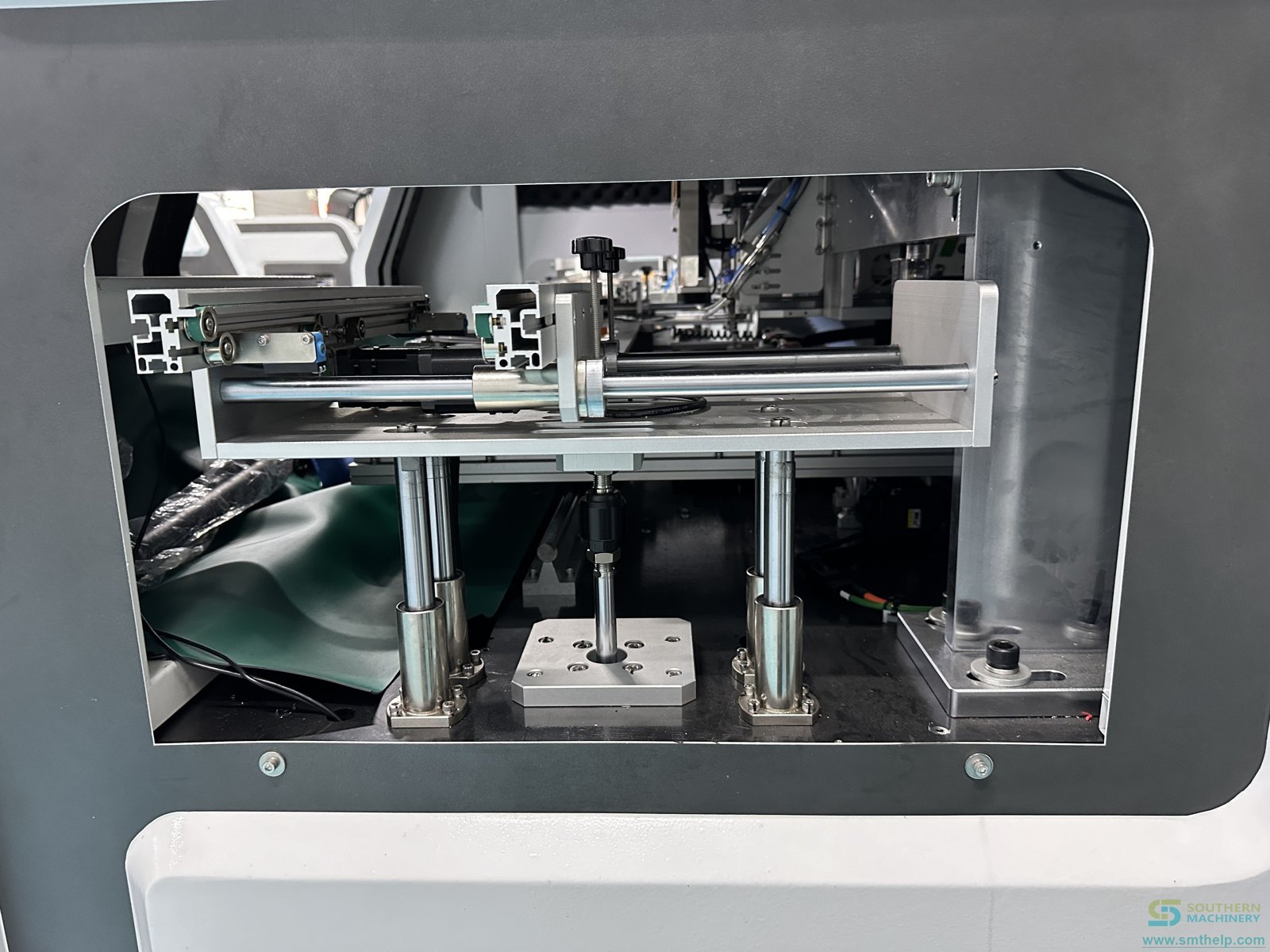
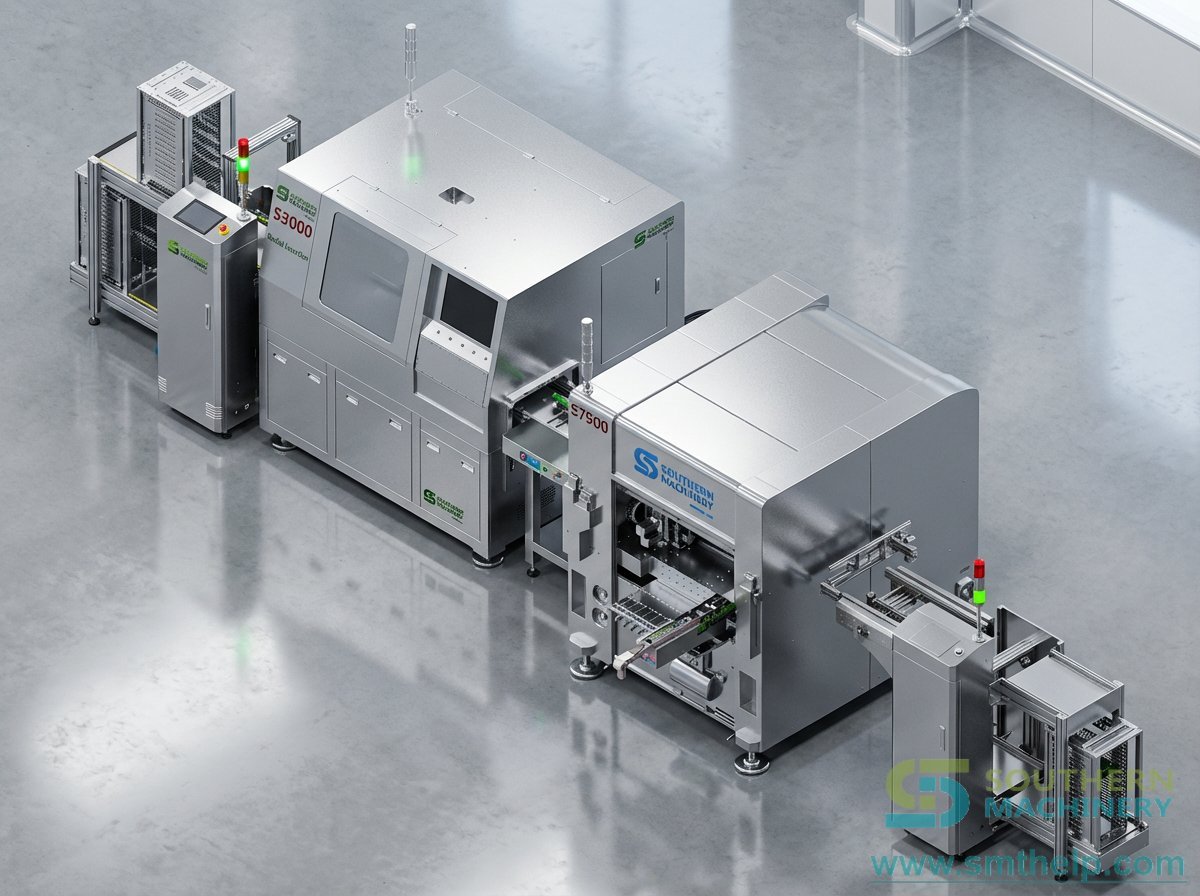
S7000 machine and details
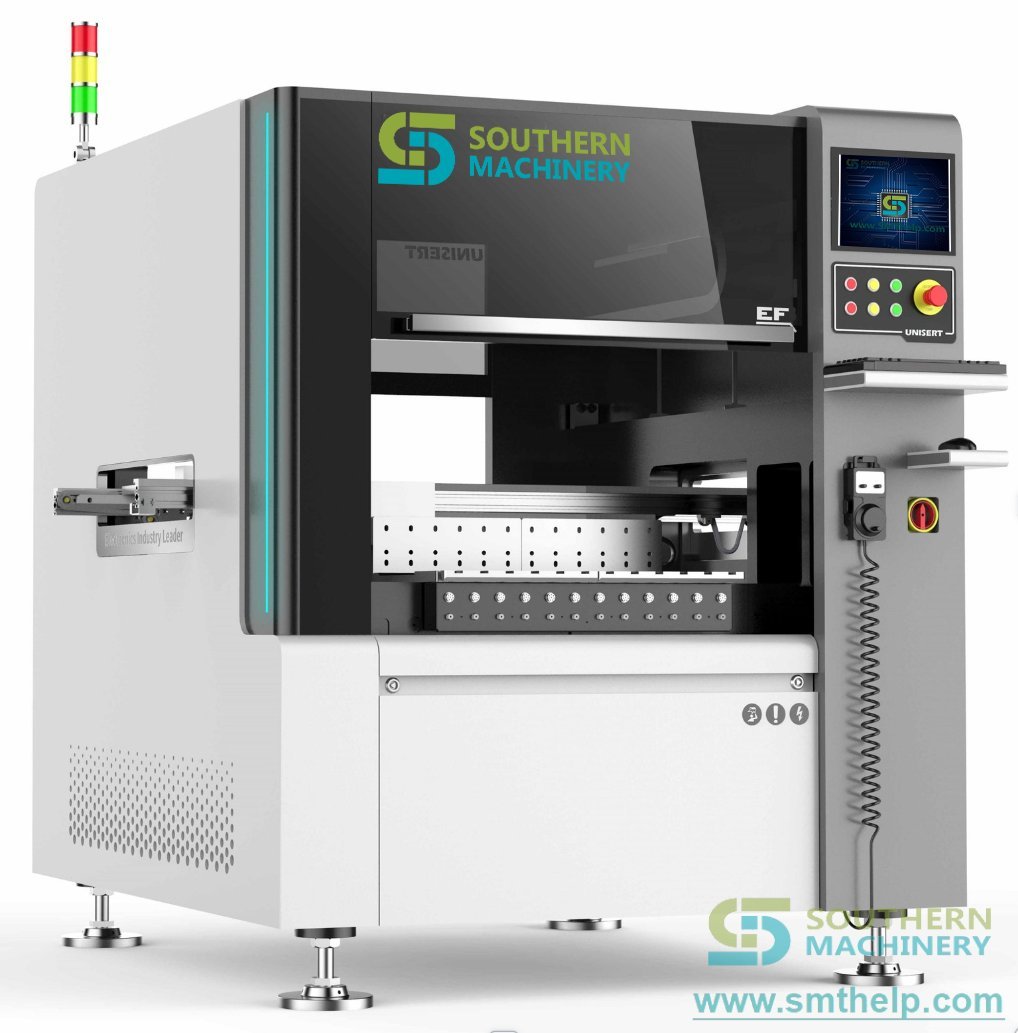
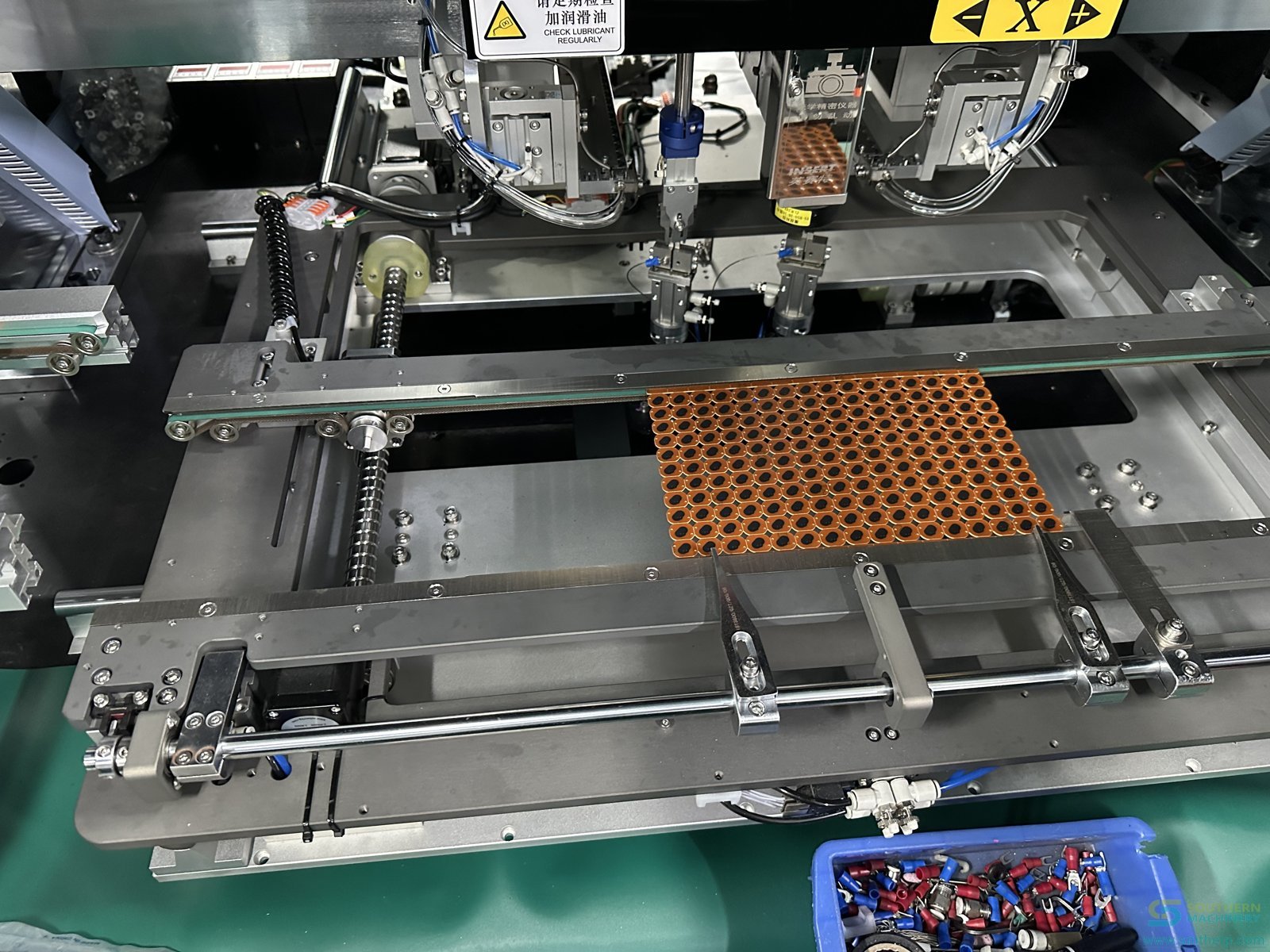
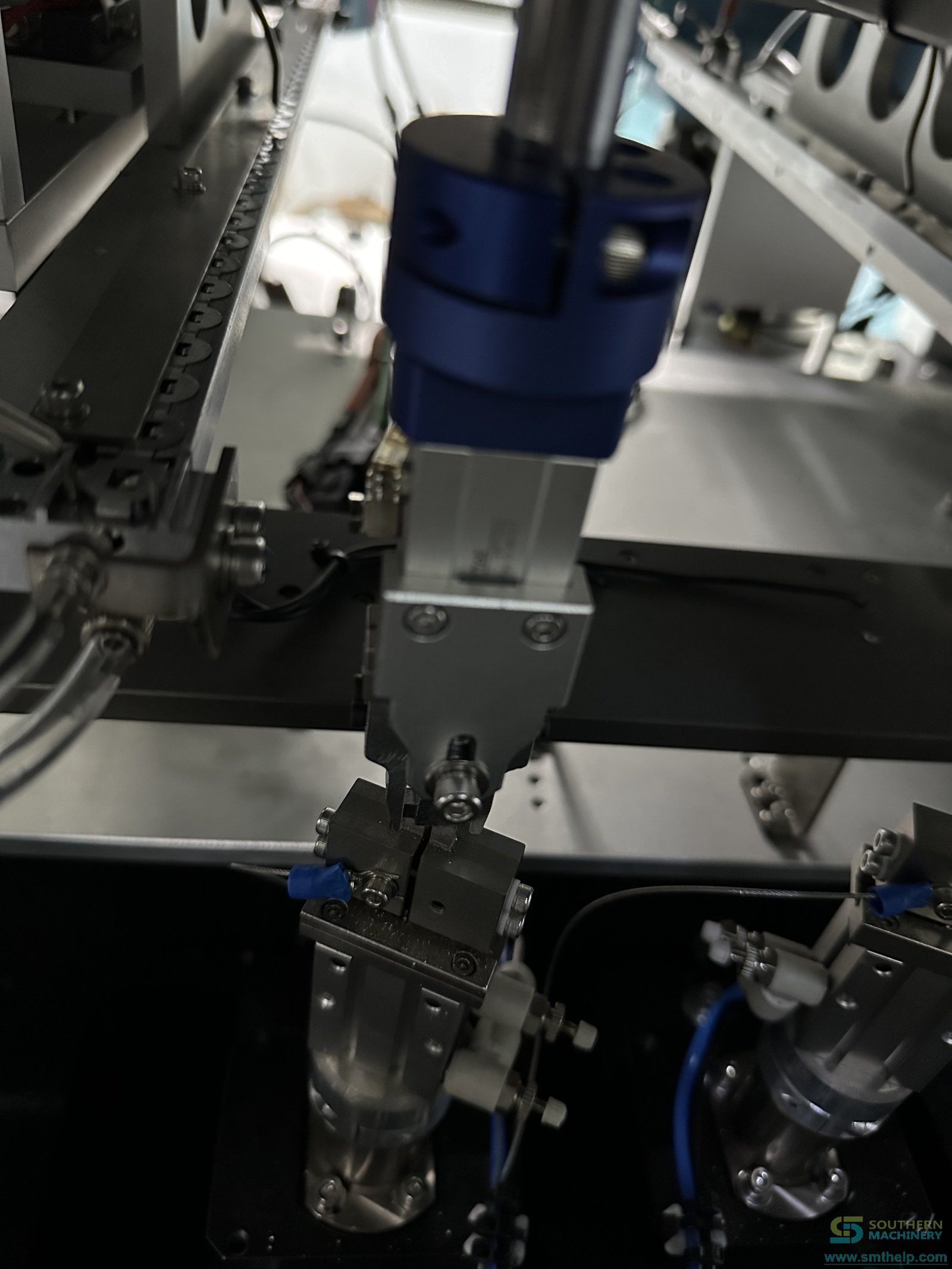
Watch the S7000 series in production
From sample review to lifetime support
- 1 · Free application review — Send a populated board and samples of every odd-form part in its real packaging.
- 2 · Feeder and tooling — Bowl, reel, tube or tray feeding and the clinch form are matched to your parts.
- 3 · Installation and training — Free installation and training.
- 4 · Lifetime support — 7×24 worldwide support, 1-day lead time on spare parts and a 1-month customised solution.
Frequently asked questions
Which components can the S7000 series insert?
PIN (1.3–4.0 mm on the S-7000E), round pin, eyelet, terminal, fuse holder, tact switch, connector and other odd-form through-hole parts. Send a sample and we confirm the feeding and tooling.
How fast is it?
Southern Machinery publishes a 12,000 CPH spec speed for the S-7000E. Realised output depends on the component class, the number of heads and the feeding method, so we confirm it on a sample run with your parts.
Do we need insertion force detection?
We recommend it. It is optional and stops the machine when insertion force exceeds the limit, which protects both the component and the PCB.
Can it run in line with our THT equipment?
Yes. Automatic PCB transfer is optional, and the series runs with loaders, unloaders and our axial and radial inserters. Confirm conveyor height, board flow direction and interfaces with us.
How long does operator training take?
Southern Machinery states one day of training is enough to run the series. Installation and training are free.
What should we send for an evaluation?
A populated board close to production condition and samples of each odd-form part in the packaging it arrives in. The packaging decides the feeder and the feeder decides the configuration.
Engineering Review
Send PCB details for a practical machine recommendation.
Useful details: PCB type, board size, component list, monthly volume, current worker count, line layout and target automation goal.
Next step: Send your terminal drawings, component samples, insertion-force requirements and PCB photos. Our engineer will review the feeding and insertion method.
Engineering Review
Send PCB details for a practical machine recommendation.
Useful details: PCB type, board size, component list, monthly volume, current worker count, line layout and target automation goal.
Send your terminal drawings, component samples, insertion-force requirements and PCB photos. Our engineer will review the feeding and insertion method.